

Best Circuit Simulation Software for Beginners (2026 Comparison)
by Saiful Islam | July 4, 2025
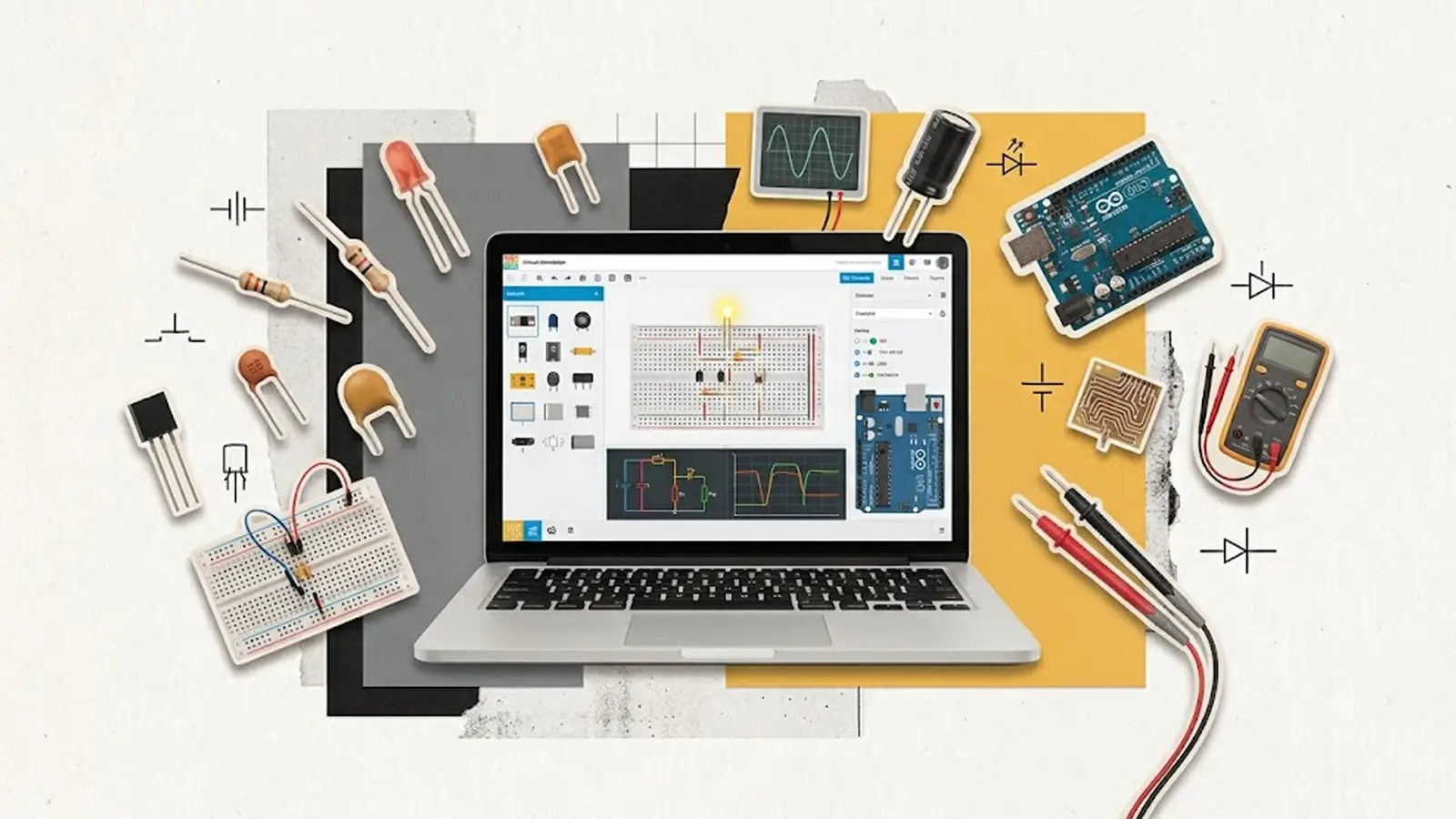
Table of Contents
Just starting with electronics? The right circuit simulator can save you hours of frustration, money, and damaged parts.
I tested four of the most recommended circuit simulators for beginners. Here’s how each one actually performs, not just on paper, but in real use.
What is circuit simulation software?
Circuit simulation software is a computer program that lets you design, test, and analyze electronic circuits virtually before building them with real components.
Instead of connecting physical resistors, LEDs, transistors, or microcontrollers on a breadboard, you create the circuit in the software and run a simulation to see how it behaves.
What can you do with it?
- Design electronic circuits
- Test if a circuit works correctly
- Measure voltage, current, and power
- Find and fix mistakes before building
- Save time and avoid damaging components
Let’s Start…
1. EveryCircuit
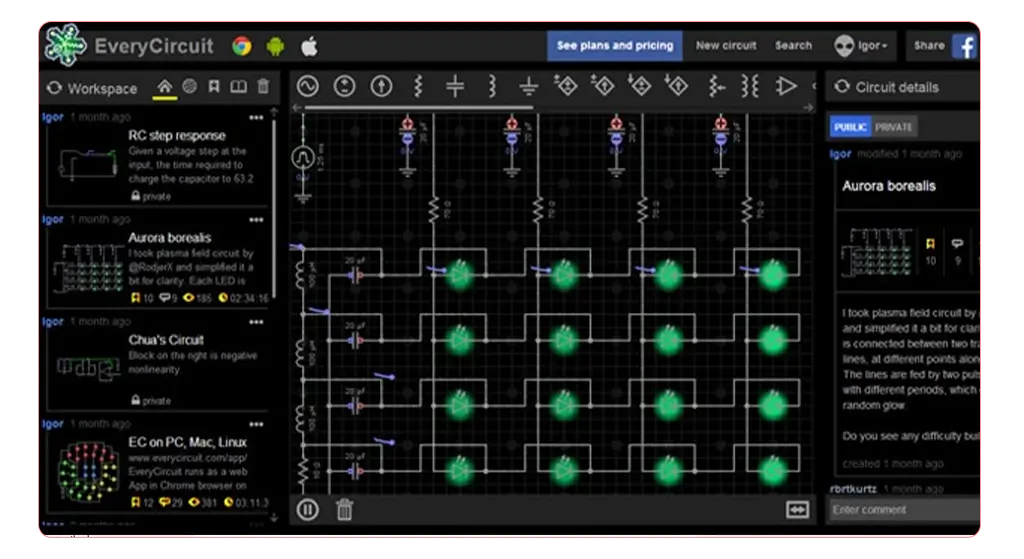
EveryCircuit animates current flow in real time. You see current move through the wire as little dots, speeding up or slowing down with the actual current value, instead of just reading a number off a meter.
Why this is good?
It’s the easiest on-ramp on this list. Drag-and-drop wiring, a forgiving simulation engine, and a built-in code editor mean a complete beginner can go from zero to a working Arduino project in one afternoon.
Key Points:
- Price: Paid (~$15 one-time on mobile, subscription on web)
- Level: Beginner
- Runs in: Browser / mobile app
- Best for: Analog and digital intuition, small projects
- Limitation: Not built for PCB design or microcontroller firmware testing
2. Tinkercad Circuits
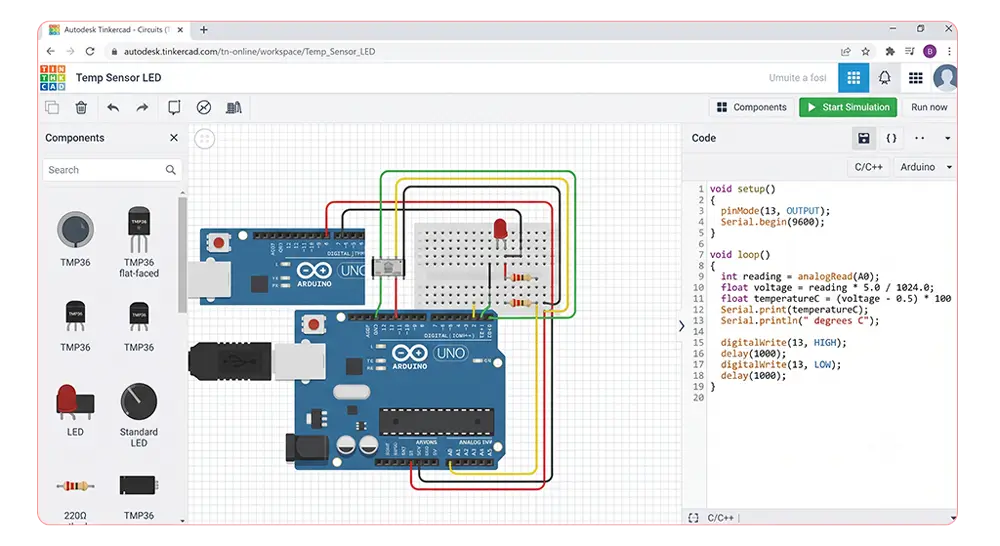
Tinkercad Circuits is a free, browser-based simulator that pairs directly with Arduino. You write code, drop it onto a virtual Arduino Uno, and watch your LEDs blink without owning a single piece of hardware.
Why this is good?
It’s the easiest on-ramp on this list. Drag-and-drop wiring, a forgiving simulation engine, and a built-in code editor mean a complete beginner can go from zero to a working Arduino project in one afternoon.
Key Points:
- Price: Free
- Level: Absolute beginner
- Runs in: Browser
- Best for: Arduino projects, first-time wiring
- Limitation: Simplified engine — won’t catch real analog issues like noise or parasitic capacitance
3. Proteus
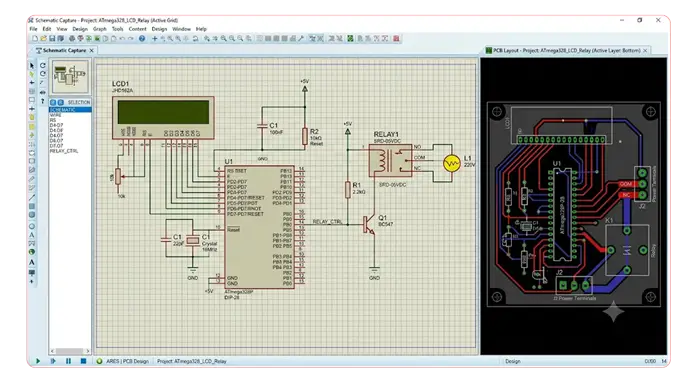
Proteus combines schematic capture, PCB layout, and microcontroller simulation. You can load compiled firmware onto a virtual PIC, AVR, or ARM chip and watch it run against simulated sensors and perip
Why this is good?
This is what embedded systems and industrial automation teams actually use to validate a design before committing to a real PCB, a mistake that can cost weeks and thousands of dollars in fab costs. It’s the closest a simulator gets to professional engineering work.
Key Points:
- Price: Paid, expensive (academic licenses available)
- Level: Intermediate to advanced
- Runs in: Desktop application
- Best for: Embedded systems, PCB design validation
- Limitation: Steep learning curve, not friendly to total beginners
4. NI Multisim
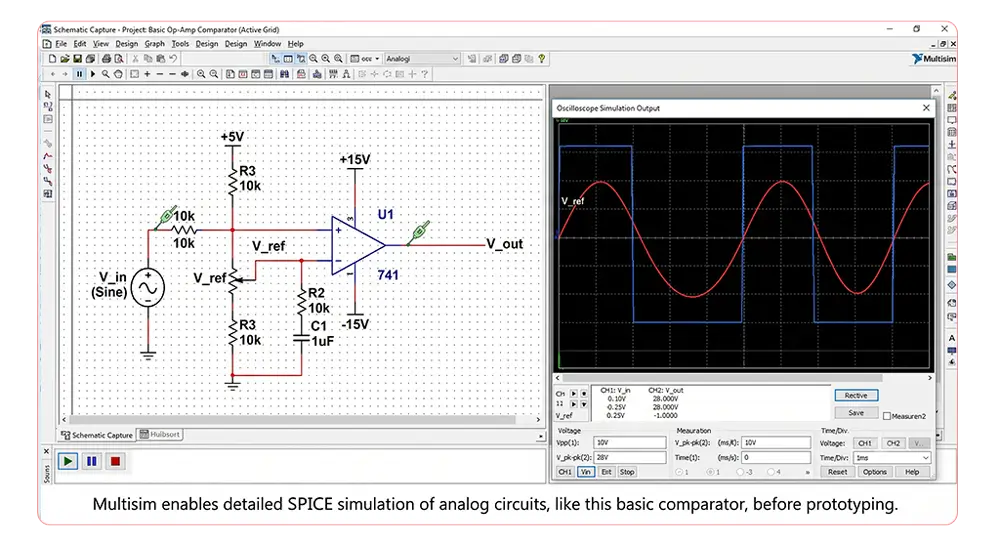
NI Multisim is built around SPICE, the same simulation engine real semiconductor companies use to validate chip designs. The analog behavior you see in Multisim is much closer to what you’d actually measure on an oscilloscope.
Why this is good?
It’s the simulator most university electronics courses require, because it teaches you why a real op-amp doesn’t behave like the textbook-ideal version. If your goal is academic accuracy, this is the standard.
Key Points:
- Price: Paid (free student version available)
- Level: Intermediate
- Runs in: Desktop application / Multisim Live (browser)
- Best for: Academic coursework, SPICE-accurate analog simulation
- Limitation: Dated interface, free version has component limits
Tools Comparison
| Tool | Best for | Price | Level | Real hardware match |
|---|---|---|---|---|
| EveryCircuit | Visualizing current flow | ~$15 one-time / subscription | Beginner | Medium |
| Tinkercad Circuits | Total beginners + Arduino | Free | Absolute beginner | Medium |
| Proteus | Embedded systems, PCB design | Expensive | Intermediate–Advanced | High |
| NI Multisim | Academic, SPICE-accurate analog | Paid (free student version) | Intermediate | High |
EveryCircuit
Tinkercad Circuits
Proteus
NI Multisim
Summary
If you’re brand new, start with Tinkercad Circuits — it’s free, forgiving, and gets you from zero to a working Arduino project fast. Once you understand the basics and want to see what’s happening inside a circuit, add EveryCircuit to your toolkit. Save Proteus and NI Multisim for when you’re building something that will eventually become real hardware or need to pass a university lab — they’re worth the learning curve, but only once you’ve outgrown the sandbox stage.
Final Word
Don’t pick one simulator forever. Use the free, simple tools to build intuition, then graduate to the professional ones when your projects start demanding accuracy. The simulator should match where you are right now, not where you want to be in two years.
Responses